
How to Make an Invoice: A Free Step-by-Step Guide
Learn how to make a professional invoice step by step — what to include, how to number invoices, how to set payment terms, and how to create one free in minutes.
Publicado 20 de junio de 2026Actualizado 13 de julio de 2026Autor: CedarBillRevisado por CedarBill Editorial Team
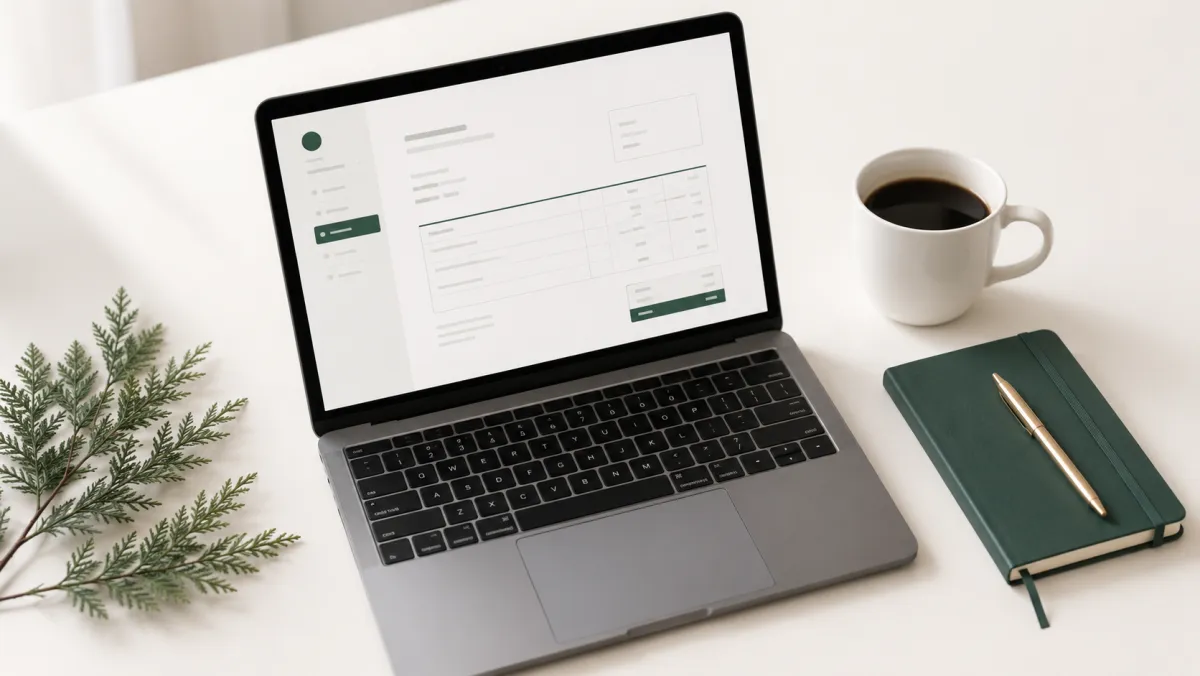
An invoice is a document you send a client to request payment for goods or services. A clear, professional invoice gets you paid faster and keeps your books tidy. Here's exactly how to make one.
What every invoice should include
- The word "Invoice" and a unique invoice number
- Your business details — name, address, email, and tax ID if you have one
- Your client's details — name and contact information
- Invoice date and due date
- A line-item list of what you're billing for, with quantity and rate
- Subtotal, tax or VAT, any discount, and the total due
- Payment terms and instructions — how and when to pay
Step by step
- Add your business and client information. Put your details at the top and your client's under "Bill to".
- Give the invoice a number. Use a simple sequence like
INV-0001,INV-0002. Consistent numbering makes records and taxes easier. - Set the dates. Include the issue date and a due date — "Net 14" or "Net 30" are common.
- List your line items. Describe each service or product, with quantity and rate. The amount for each line is quantity × rate.
- Add tax and any discount. Apply your tax or VAT percentage and any agreed discount, then show the final total clearly.
- Include payment terms. State accepted payment methods and a short thank-you or late-payment note.
- Send it as a PDF. A PDF looks professional and can't be edited in transit.
Tips to get paid on time
- Invoice promptly — the sooner you send it, the sooner you're paid.
- Make the total and due date impossible to miss.
- Offer an easy payment method and spell out the details.
- Number every invoice and keep copies for your records.
Create your invoice now
You don't need accounting software to make a clean invoice. Use our free invoice generator to fill in your details, add line items and tax, and download a professional PDF in under a minute — no sign-up and no watermark.
Herramientas gratuitas
Generador de facturasCalculadora de salarioCalculadora de condiciones NetCalculadora de impuestos 1099